
Mobile banking has made managing money more convenient, but it’s also given scammers more opportunities to target unsuspecting users. According to the Bangko Sentral ng Pilipinas (BSP), social engineering attacks, including phishing, account takeovers, and identity theft, accounted for 76% of reported cyber fraud losses in 2025. As scams become more sophisticated, banks are adding stronger security features to help customers stay protected.
Metrobank recently rolled out several new security enhancements in the Metrobank App designed to give users more control over their accounts while making it harder for fraudsters to access their money.
Here are the four new features:
1. Get a 24-hour safety buffer with Cooling-Off Period
Metrobank now automatically activates a 24-hour Cooling-Off Period whenever critical security settings are changed. This means when important account settings are changed, such as your password or registered device, all transactions in your app are temporarily disabled for 24 hours. This protects you from scammers who will attempt to change your account details and gives you time to notice any suspicious activity, secure your account, and report unauthorized changes before any money leaves your account.
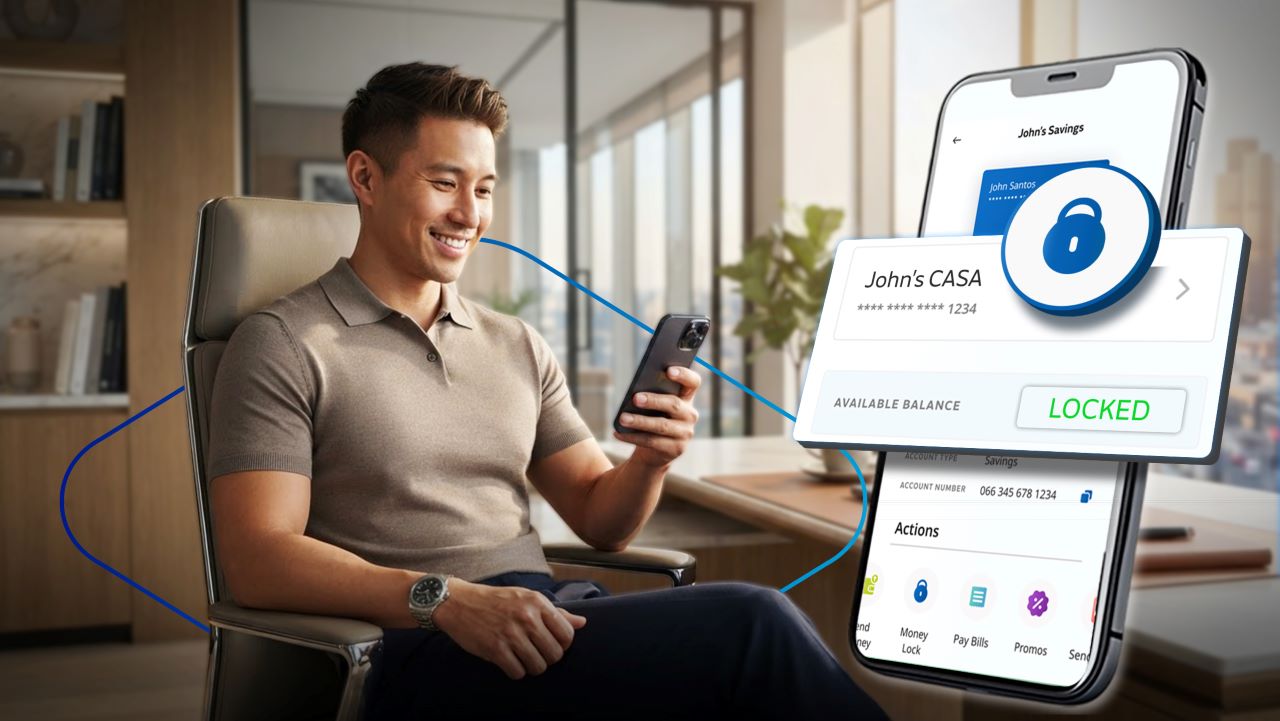
2. Lock your savings instantly with Money Lock
One of the biggest concerns after falling victim to a phishing scam is how quickly fraudsters can transfer your money. Metrobank’s Money Lock feature lets you instantly lock part or all of your available balance directly from the app. Once locked, the funds cannot be transferred or used for transactions—including scheduled transactions—until you unlock them yourself. Even if someone gains access to your card, your Money Locked savings remain protected. Before locking your funds, make sure you have enough available balance to cover any upcoming or scheduled transactions to avoid disruptions.
3. Have extra protection through Geolocation checks
Metrobank has also added Geolocation as an additional layer of protection. The app checks whether a transaction is being initiated from your registered mobile device and your device’s location. If something appears unusual or inconsistent, the system can flag suspicious activity and help prevent unauthorized transactions from pushing through. While invisible during normal use, this feature works behind the scenes to strengthen account security.
4. Double-check who you’re sending money to with Payee Verification
Ever worried about sending money to the wrong account because of a typo? Metrobank’s new Payee Verification feature helps reduce that risk. Before completing a transfer to another Metrobank account, the app displays a masked version of the recipient’s registered account name. This allows you to confirm that you’re sending money to the correct person before finalizing the transaction. It’s a simple addition that can help prevent costly transfer mistakes.
A safer way to bank online
These new security enhancements are part of Metrobank’s continuing efforts to strengthen digital banking security while supporting the government’s broader anti-scam initiatives under the Anti-Financial Account Scamming Act (AFASA) and the laws amendments under BSP Circular No. 1213.
Customers can start using these features by updating to the latest version of the Metrobank App. As digital scams continue to evolve, having multiple layers of protection and knowing how to use them, can go a long way toward keeping your money safe.